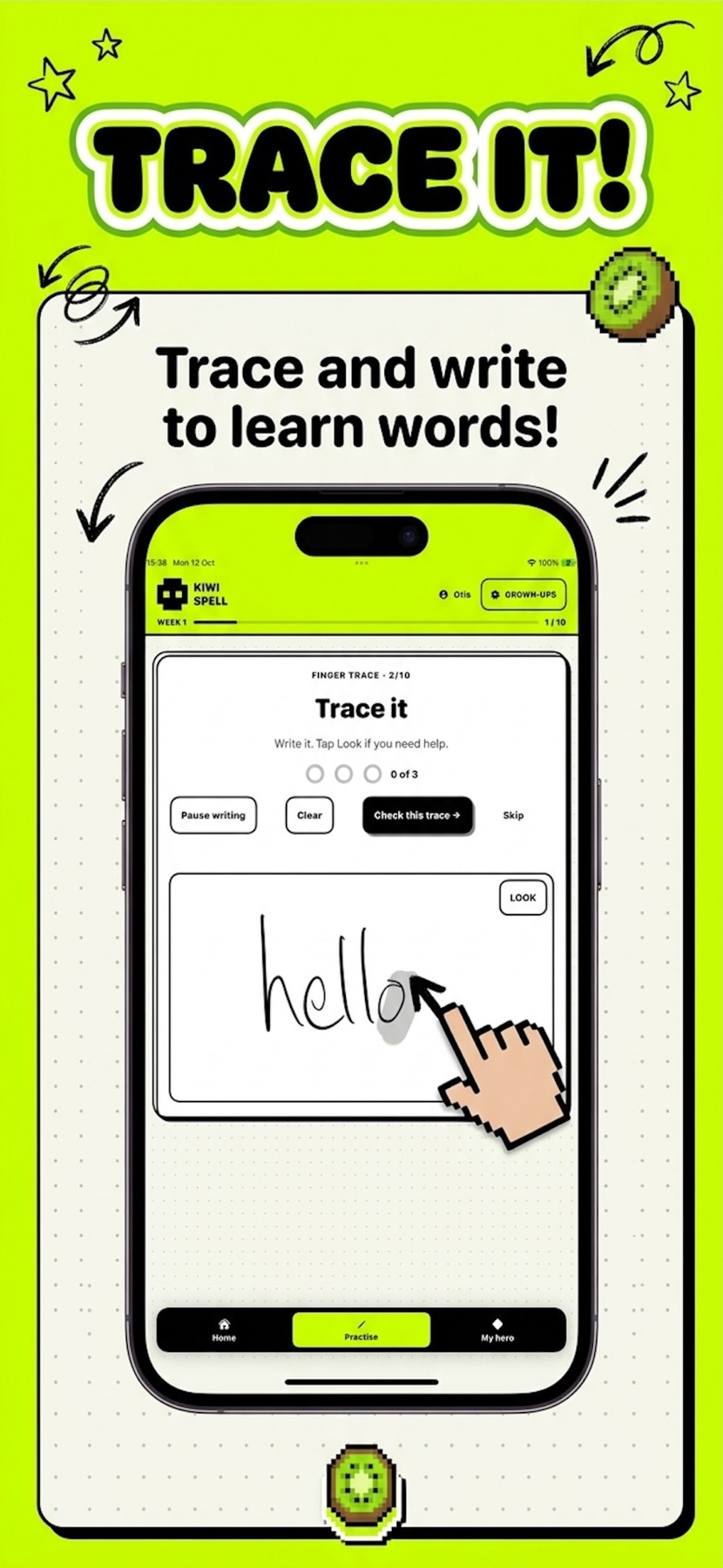
Spelling practice that puts writing back in the loop.
Use a finger on iPhone or iPad—or an Apple Pencil on a compatible iPad—to trace the child’s own school words before writing them from memory.
Kiwi Spell supports finger and Apple Pencil input. The Finger & Pencil Trace activity shows the current word, provides a writing area and progresses from supported tracing towards a memory attempt.
Why include handwriting in a spelling app?
Typing and tile games are useful for letter order, but school spelling often ends with a pencil on paper. Writing on screen lets the child rehearse the movement of the whole word without leaving the weekly practice flow.
The app does not try to replace paper handwriting instruction. Think of it as a bridge: the child sees the word, writes it with support, tries it from memory, and can then repeat the same word on paper.
Finger or Pencil?
A finger works on supported iPhones and iPads and requires no extra equipment. Apple Pencil can offer a more pen-like experience on compatible iPads. Apple Pencil is sold separately, and compatibility depends on the iPad model.
A simple screen-to-paper routine
- Complete the visual and letter activities in Kiwi Spell.
- Trace the word twice in the app.
- Attempt the word from memory in the app.
- Close or cover the screen and write it once on paper.
- Check the difficult part—not just whether the whole word was right or wrong.