Add a child
Create an individual profile so progress and the pixel hero belong to the right learner.
Type the words your child needs now—school spellings, tricky words or a focused vocabulary list—and Kiwi Spell turns them into a structured practice journey.
Yes, you can use your own words. A grown-up creates a list of up to ten different spellings. The same words then appear across the app’s six activities, so the child can notice, build, trace and recall them.
Weekly lists vary between schools, year groups and individual learners. Custom entry removes the mismatch between a generic game and the actual list due on Friday. It also lets a parent return to words from writing, topic vocabulary or a smaller group that needs more attention.
A ten-word ceiling gives the week a visible boundary. It is enough for a typical short school list without turning the screen into an endless queue. The goal is not to claim that ten is the perfect number for every child; it is to keep one practice cycle understandable and finishable.
Create an individual profile so progress and the pixel hero belong to the right learner.
Copy the current school list. Duplicate words are flagged before the week begins.
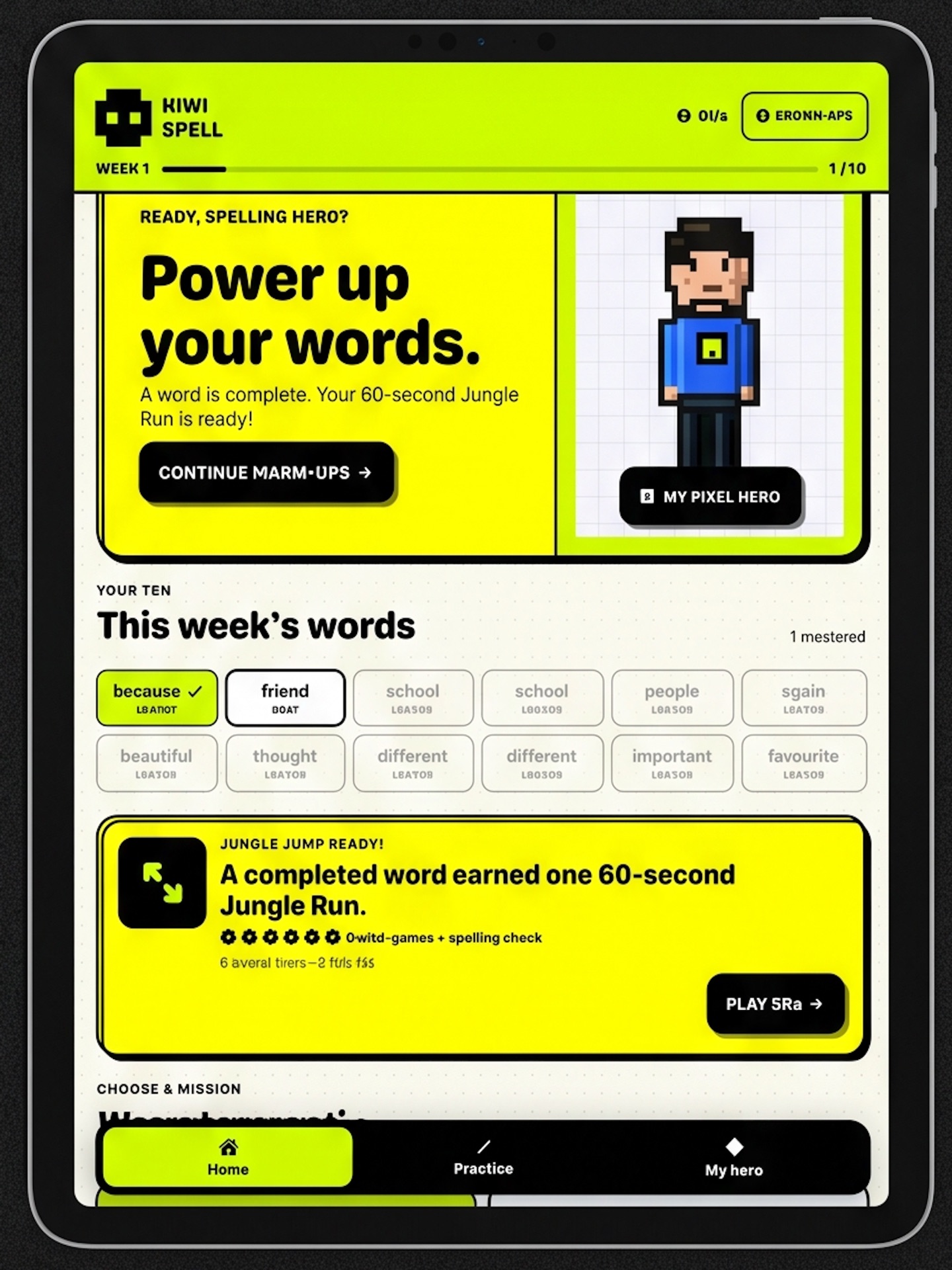
The first word opens six activities. Complete it, earn the Jungle Run, then move on.
Kiwi Spell supports multiple profiles, making it useful for siblings or a shared classroom iPad. Each child can have their own weekly words, progress and avatar without needing a separate device.
When the list changes, the grown-up settings area is where you replace words, begin a new week or add another child.